
Tutorials
What is Website Design? The Comprehensive Guide to Building a Professional Website
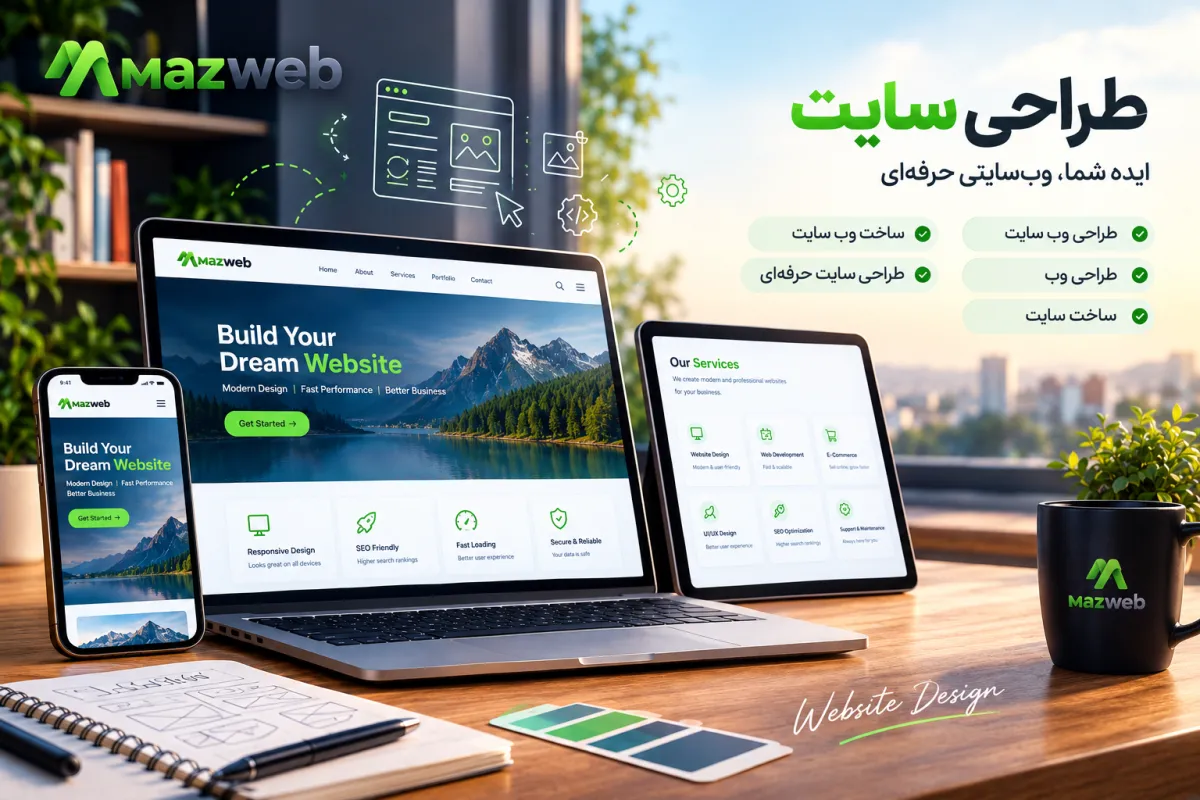
Having a strong online presence is no longer optional; it is a fundamental requirement for business survival in today’s competitive market. When we talk about digital presence, your website is the primary touchpoint between your brand and your customers. Website design is not just about creating visually appealing pages on the internet. It is a strategic process where user experience, visual branding, and technical principles converge to achieve a specific goal.
In this article, we will explore everything you need to know to understand, initiate, and manage a web design project. From basic concepts to choosing the right method and estimating costs, this guide will walk you through the essentials of building a professional online presence.
What is Website Design and How is it Used?
Website design refers to the process of planning, structuring, and creating the visual aesthetics and user experience of web pages. This process involves selecting color palettes, typography, imagery, and layout, as well as determining the user's journey throughout the site. The primary application of a website is to provide information, sell products or services, and establish a continuous connection between a business and its audience. It acts as your digital storefront, accessible to customers 24/7.
The Difference Between Web Design, Web Development, and UI Design
To fully grasp the process of building a website, it’s crucial to distinguish between these three disciplines:
- User Interface (UI) Design: Focuses on the look and feel of the website. It involves choosing colors, buttons, fonts, and the overall visual layout.
- User Experience (UX) Design: Deals with the logic and flow of the user's journey. Can the user easily find the product? Is the checkout process seamless?
- Web Development: This is the coding and programming phase that brings the designs to life. Developers use languages like HTML, CSS, JavaScript, and PHP to build a functional, clickable website.
The Role of a Website in Business Growth
A professional website helps you build customer trust, expand your reach to new markets, and engage with your audience without geographical or time constraints. Additionally, analyzing website data provides invaluable insights into what your customers are actively looking for.
Types of Website Design
Before starting a project, you must define what kind of website you need. Your business objectives dictate the site's architecture:
Corporate Website Design
These sites are built to showcase a company’s profile, services, history, and portfolio. The main goal is to build trust and provide contact information. The structure is typically straightforward and informational.
E-Commerce Website Design
E-commerce sites function like physical stores in the digital realm. They require payment gateways, shopping carts, inventory management, and product pages. Designing an e-commerce site must prioritize the smoothest possible purchasing journey (UX).
Personal and Portfolio Websites
For creatives, freelancers, photographers, and designers, a website that displays their work effectively is essential. These sites must be visually striking and reflect the individual's personal brand style.
Educational and Service-Based Websites
If you offer online courses or consulting services, your site will need user management systems, video embedding capabilities, and booking or scheduling functionalities.
The Steps to Build a Professional Website
Building a website does not happen overnight. It requires a detailed, sequential process:
1. Define Goals and Understand the Audience
The first step is answering: Why are we building this site, and for whom? Understanding your audience persona allows you to tailor the design language and content precisely.
2. Choose a Domain and Hosting
A domain (URL) is your internet address; it should be short, relevant to your brand, and memorable. Hosting is the server space where your website’s files are stored, and its quality directly impacts your site's speed and security.
3. Design Page Structure and User Experience
In this phase, wireframes are created. The placement of elements, menus, and categories is defined to ensure the user can reach their destination with the fewest clicks possible.
4. UI Design and Implementation
Graphic designers craft the visual appearance of the site. Then, developers either convert these designs into code or implement them within a Content Management System (CMS).
5. Content Creation and SEO Optimization
A website is lifeless without content. Texts, images, and videos must be produced following SEO principles so they can be discovered on search engines like Google.
6. Testing, Launch, and Maintenance
Before launching, the site must be tested across various devices (mobile, tablet, desktop) and browsers. Post-launch, the site requires continuous updates, regular backups, and bug fixes.
Methods of Website Design
There are different paths to build a website, each with its own pros and cons:
Using Content Management Systems (CMS) like WordPress
WordPress is the world’s most popular CMS. Using themes and plugins, you can build a powerful site without deep coding knowledge. This method is ideal for most small to medium-sized businesses.
Using Website Builders
Website builders are online tools that allow you to construct a site by dragging and dropping elements. They offer rapid deployment but have limitations regarding flexibility and technical SEO capabilities.
Custom Design and Development
In this approach, a development team builds the site from scratch using custom code. This type of professional website design offers the highest level of flexibility and security but is more time-consuming and expensive.
Comparing Methods and Choosing the Right One
| Method | Cost | Execution Time | Flexibility | Technical Skill Required |
|---|---|---|---|---|
| WordPress | Medium | Medium | High | Low to Medium |
| Website Builders | Low | Fast | Low | Very Low |
| Custom Coding | High | Long | Very High | High |
Features of a Professional Website
Professional web design differs significantly from an amateur one. Here are the key features:
Responsive Design and Mobile Compatibility
Over half of all internet traffic comes from mobile devices. Your site must display flawlessly without layout breaks on any screen size (Responsive Design).
Loading Speed and Performance
Users quickly abandon sites that take too long to load. Optimizing images, utilizing browser caching, and using high-quality hosting are key to increasing site speed.
Security and Reliability
An SSL certificate, regular system updates, and strong passwords protect your site from hackers. This is critically important for e-commerce sites.
Accessibility and User Experience
A site must be usable by everyone, including individuals with disabilities. Text readability, color contrast, and keyboard navigation are foundational accessibility principles.
SEO-Friendly Structure
Clean code, proper heading tag structure (H1 to H6), fast loading times, and structured data (Schema) help Google better understand and rank your website.
What Factors Influence Website Design Costs?
The question "How much does a website cost?" has no fixed answer. Prices are determined by the following variables:
- Type of Website: A personal portfolio is significantly cheaper than a massive online store.
- Design Method: Using a website builder costs significantly less than custom-coded design.
- Features and Integrations: Adding payment gateways, SMS systems, and membership areas alters the cost.
- Custom Design vs. Pre-made Themes: Custom UI design requires more time and expertise.
- SEO and Content Services: Some design packages include initial content creation and base optimization.
Note: To get an accurate quote, you must document your requirements and consult with a professional design team.
How Does Website Design Help SEO?
SEO and web design are two sides of the same coin. If your site’s technical foundation is weak, even the best content in the world won't rank on Google.
- Site Architecture and Information Flow: Proper internal linking helps Google bots find and index all your pages.
- Titles and Meta Descriptions: The design phase must allow for customized meta tags for every page.
- User Experience and Performance: Google monitors user behavior. If users leave immediately (high bounce rate), Google recognizes your site lacks value. Slow speeds also directly negatively impact rankings.
Design vs. Guaranteed Rankings: A well-designed site lays the groundwork for SEO, but achieving top rankings requires continuous content creation, external link building, and a long-term SEO strategy.
Common Website Design Mistakes
To avoid wasting resources, steer clear of these common errors:
- Focusing Solely on Aesthetics (Ignoring Performance): A site heavy with animations might look great, but if it loads slowly, it will drive users away.
- Ignoring Mobile Versions: Web design should always be mobile-first.
- Weak or Duplicate Content: Copying from other sites offers no user value and will result in Google penalties.
- No Maintenance or Security Plan: Websites require regular servicing. Failing to backup or update plugins can be disastrous.
- Lack of Clear Call to Action (CTA): Users should know exactly what to do after reading your content (e.g., call us, buy now, fill out the form).
How to Choose the Best Website Design Method
Choosing the right method depends on your budget, timeline, and technical needs:
- If you have a small business and want to get online quickly and affordably, WordPress is the best choice.
- If you want to avoid technical management and hosting altogether, website builders make it easy.
- If you are a large enterprise building complex systems where security is paramount, custom coding is the right path.
Frequently Asked Questions About Website Design
What is website design? Website design is the process of creating the appearance, structure, and user experience of web pages to publish information on the internet.
How long does it take to design a website? Depending on the project's complexity, it can take anywhere from a few days (for template-based sites) to several months (for large, custom-built sites).
What skills are needed for website design? Designers need graphic skills, mastery of UX/UI principles, and tools like Figma. Developers need proficiency in web programming languages. For ready-made platforms, basic technical knowledge is sufficient.
Is WordPress better for web design or custom coding? For 80% of businesses, WordPress is the better choice due to its reasonable cost, flexibility, and large community. Custom coding is recommended for projects with highly specific needs and large budgets.
Can I build a website without coding? Yes, by using CMS platforms like WordPress and drag-and-drop website builders, you do not need coding knowledge to build standard, functional websites.
What factors determine the cost of website design? The type of site, required features, design method (custom vs. template), and additional services like content creation and SEO are the main cost factors.
Is website design alone enough to rank on Google? No. A standard, SEO-friendly design provides the foundation, but ranking requires producing valuable content, continuous optimization, and an active SEO strategy.
Conclusion and Next Steps
Website design is a long-term investment for your business. Understanding that a website is not just a visual tool, but a machine designed to generate traffic and sales, will shift your perspective on how you execute the project. Start by analyzing your audience's needs, choose the method that fits your budget, and always prioritize performance, speed, and user experience over mere decorative details.
If you are ready to take your brand’s digital presence seriously, your next step is to draft a brief of your website requirements and consult with experts who can turn your idea into a powerful, functional website.
Have a custom project?
Talk to Mazweb to review your needs and find the right path.
Start the conversation
Comments 0
No comments yet. Be the first to comment.
Leave a comment